

Buying a new TV often leads to an easy-to-overlook question: should a TV stand be wider than the TV? You may have experienced the problem already—your new television looks too large for an existing console, the setup feels visually unbalanced, or you are concerned that the TV could become unstable if the stand is too narrow.
TV stand width is not simply a matter of interior style. The relationship between the television and its stand can affect visual balance, stability, usable surface space, and overall furniture proportions. Choosing the right size also becomes more important when you plan to place a soundbar, speakers, decorative objects, or other accessories beside the TV.
So, how wide should a TV stand be compared with the television? The answer depends primarily on the TV's actual width and how the stand will be used. Below, you'll find the direct answer, a sizing chart, and a practical measuring guide to help you choose the right TV stand before you buy.
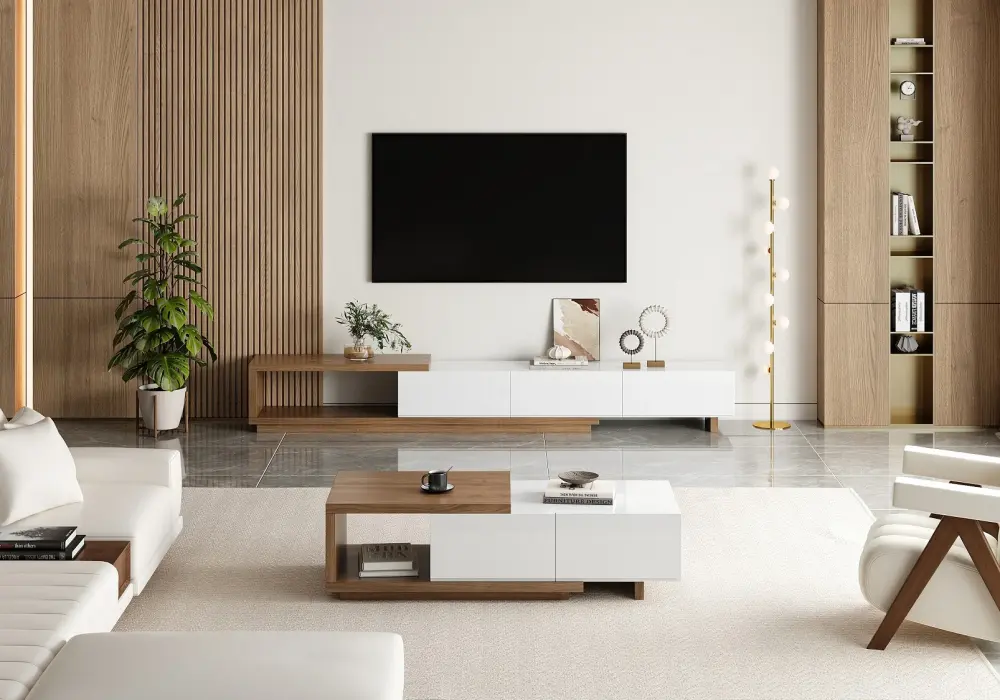
Quoint 71"-100" Extendable TV Stand
Table of Contents
Quick Answer: Yes — Here's the Ideal Width Ratio
Yes. In most cases, a TV stand should be about 2–4 inches (51–102 mm) wider than the TV on each side. This creates a balanced appearance while providing additional surface area around the television. For safety, the stand must also have adequate weight capacity and a stable base suitable for the TV.
Keep in mind that TV sizes are measured diagonally, while TV stands are measured by their actual width. A 55-inch TV, for example, does not measure 55 inches from left to right.
TV Size | Approx. TV Width | Suggested TV Stand Width |
43-inch | 37.5 in / 95 cm | 41.5–45.5 in / 105–116 cm |
50-inch | 43.6 in / 111 cm | 47.6–51.6 in / 121–131 cm |
55-inch | 47.9 in / 122 cm | 51.9–55.9 in / 132–142 cm |
65-inch | 56.7 in / 144 cm | 60.7–64.7 in / 154–164 cm |
75-inch | 65.4 in / 166 cm | 69.4–73.4 in / 176–186 cm |
85-inch | 74.0 in / 188 cm | 78.0–82.0 in / 198–208 cm |
This extra width helps visually anchor the TV and can provide a more stable-looking footprint. However, the exact dimensions should always be checked against your TV's specifications and the stand manufacturer's weight and mounting requirements.
How to Measure: Step-by-Step Guide + Printable Template
Choosing a TV stand based only on the TV's advertised screen size is one of the most common sizing mistakes. Before shopping, measure the television itself and then calculate the amount of additional space you want on both sides.
Measure the TV's actual width
Start with a tape measure and measure the television from the farthest left edge to the farthest right edge of the entire TV, rather than measuring the screen alone.
The diagonal measurement printed on a TV's packaging—such as 55, 65, or 75 inches—is a screen-size category, not its horizontal width. The actual dimensions vary between models because of different bezels and designs.
If the TV is already mounted or sitting on furniture, check the manufacturer's specification sheet when possible. This is particularly useful for unusually thin-bezel models.
Also measure the TV's stand or feet placement if the television will sit directly on the console. A stand can be wide enough overall but still unsuitable if its feet extend beyond the supporting surface.
Calculate your target TV stand width
Once you know the TV's actual width, use the recommended side clearance as a starting point.
TV stand width = TV width + 4–8 inches (102–203 mm)
For example, if your television measures 48 inches wide, a stand approximately 52–56 inches wide would provide the recommended additional space.
This calculation is a starting point rather than an absolute rule. A minimalist room may look better with a relatively close fit, while a console intended to hold a soundbar, speakers, books, or decorations may benefit from additional width.
Account for accessories
Think about everything that needs to share the TV stand before deciding on the final dimension.
If you plan to put a soundbar directly below the television, check its width first. A wide soundbar may require substantially more usable surface area than the TV alone.
For decorative accessories, consider both the object itself and the visual breathing room around it. Filling every available inch of the console can make even a correctly sized stand look crowded.
If you have speakers on both sides of the TV, measure their combined footprint and add that space to your calculation. In this situation, a TV stand that is considerably wider than the TV can be more practical than one chosen solely according to the TV-to-console ratio.
Check the wall and room dimensions
A larger TV stand isn't automatically better. Measure the wall where the furniture will sit and leave enough surrounding space for doors, walkways, windows, and other furniture.
The goal is to create a proportional arrangement rather than maximize the console's width.
A simple measuring checklist can look like this:
Measurement | What to Record |
TV actual width | ____ in / ____ cm |
TV height | ____ in / ____ cm |
TV feet width/position | ____ in / ____ cm |
Available wall width | ____ in / ____ cm |
Soundbar/speaker width | ____ in / ____ cm |
Desired side clearance | ____ in / ____ cm |
Target stand width | ____ in / ____ cm |
Stand weight capacity | ____ lb / ____ kg |
Use this quick printable formula
Before purchasing, write down these four numbers:
TV width: ______ Extra space per side: ______ Required stand width: TV width + 2 × side clearance Maximum available wall width: ______
Then compare the result with the dimensions of the TV console you're considering.
Most importantly, measure first and buy second. Product listings can use different terminology for width, depth, cabinet dimensions, and usable top-surface dimensions, so always compare the actual specifications rather than relying on a product name such as "65-inch TV stand."
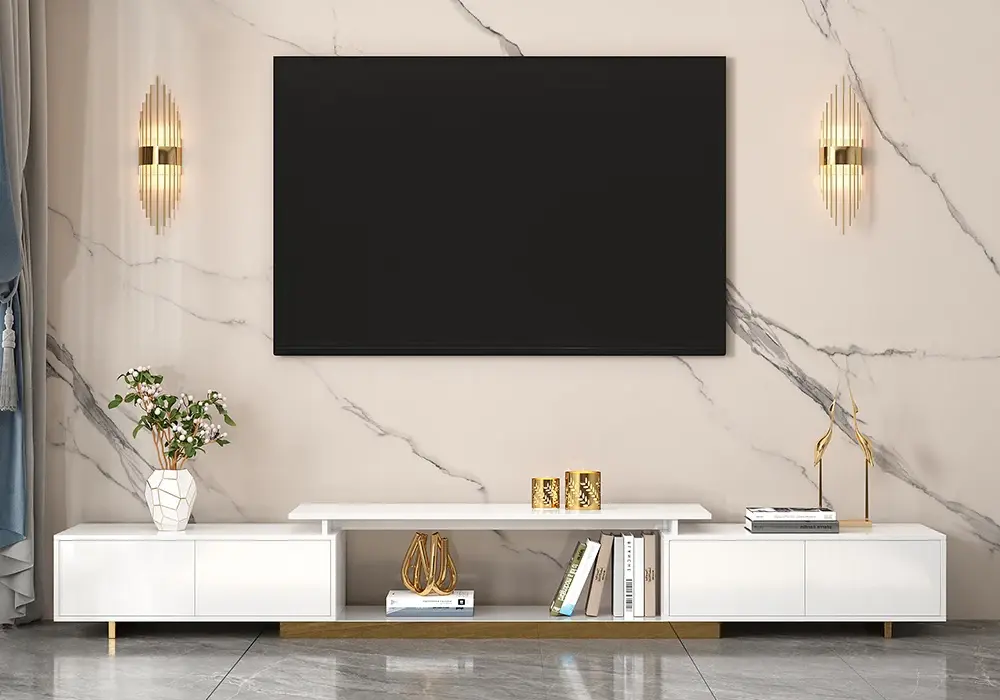
Mordel 63"-94" Extendable White TV Stand
Why Width Affects Stability: Tip-Over Risk and Weight Capacity
A TV stand that is narrower than the television can create more than a visual imbalance. Depending on the TV's base design, mounting method, and center of gravity, a narrow support can reduce the margin of stability.
Think of the TV and stand as a combined system. The television's weight creates a downward force through its support points. If those forces remain comfortably within the stand's stable supporting area, the setup is less susceptible to tipping. If the load is positioned too close to or beyond the stable footprint, relatively small forces can create a larger tipping moment.
This is why width alone does not determine safety. A wide but lightweight or poorly constructed console may be less stable than a narrower, properly engineered stand.
Consider material and construction
Different materials can provide very different levels of rigidity and structural support. Solid wood, engineered wood, metal, and glass furniture can all be designed safely, but construction quality, joints, thickness, hardware, and base design matter more than material labels alone.
As a general purchasing principle, select a TV stand whose manufacturer-rated weight capacity exceeds the complete weight of the television and any equipment the stand is designed to support. Do not assume that a wider console automatically has a higher load rating.
Don't overlook anti-tip protection
For floor-standing furniture, anti-tip protection can add an important layer of safety. Where provided, use the manufacturer's supplied anti-tip hardware and follow its installation instructions.
A typical anti-tip system connects the furniture securely to an appropriate wall structure using the specified hardware. The correct anchor depends on the wall construction, so don't substitute an unsuitable fastener simply because it is convenient.
If children or pets are present, take extra care with furniture anchoring and placement. Heavy items should generally be positioned so they cannot easily be pulled forward.
For a global purchase, check the applicable furniture safety requirements and installation guidance in your country or region. Manufacturer instructions should take precedence for the specific TV stand and television combination.
Matching Stand Type to Room Layout
Not every TV setup needs the same relationship between television width and console width. The type of stand and the shape of your room can change what works best.
Freestanding TV stands
Traditional freestanding consoles generally benefit from being visibly wider than the television. The additional surface area creates a strong horizontal foundation and gives the TV arrangement a deliberate appearance.
Because the entire piece rests on the floor, pay attention to the stand's base, leg placement, construction, and anti-tip provisions—not just its overall width.
Leg-style TV consoles
TV stands with four legs or other separated support points can offer a lighter visual appearance. Their width should still provide an appropriate supporting surface for the TV, but the position and spacing of the legs matter.
If the television sits on feet, check that its feet remain fully supported by the top of the furniture.
Floating or wall-mounted TV consoles
A floating console is attached to the wall rather than supported by the floor. Because there are no floor legs extending outward, its visual relationship with the television can be more flexible.
However, this does not mean a floating TV console can automatically be narrower or carry any weight. The wall, mounting hardware, cabinet construction, and manufacturer's maximum load rating all need to be suitable for the installation.
Corner TV stands
Corner consoles are designed to make use of limited or awkward floor space. In these layouts, chasing additional width can interfere with the walls or surrounding furniture.
Instead of focusing only on whether the console extends beyond both sides of the TV, prioritize the combination of width, depth, corner clearance, and stability. A correctly fitted corner stand may have different proportions from a conventional straight TV console.
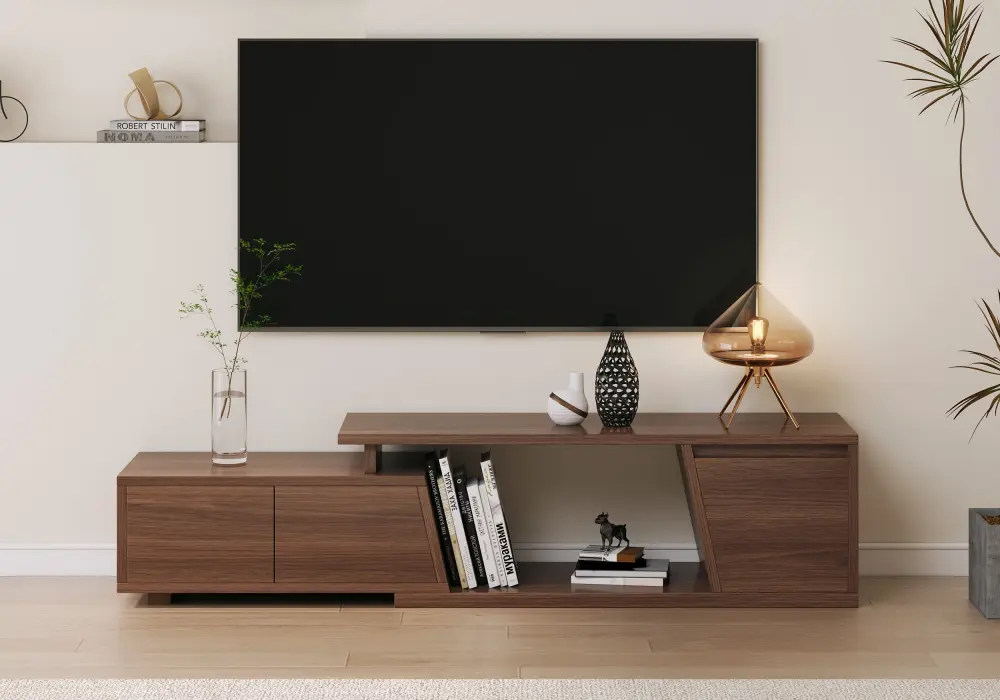
Fero 47"-71" Extendable TV Stand
Choose the Right TV Stand Before You Buy
The simplest way to avoid sizing problems is to treat your TV and stand as one complete furniture arrangement.
Start by measuring the TV's actual horizontal width, then add your desired side clearance. Next, check the available wall space, the position of the TV feet or mounting point, the width of your soundbar or speakers, and the stand's rated load capacity.
For most conventional setups, making the TV stand wider than the television provides a useful combination of visual balance and practical surface space. But the perfect console is ultimately the one that fits your television, room, equipment, and safety requirements together.
Measure first, compare dimensions carefully, and then buy. That three-step process is much more reliable than choosing a console based solely on the TV's advertised screen size.
If you're planning a new living room setup, keep your measurements handy while shopping and use the sizing chart above as a quick reference. A printable measurement checklist can also make it easier to compare several TV stands before making your final choice.
FAQ
Should a TV stand be wider or the same width as the TV?
In most living room arrangements, a TV stand slightly wider than the television creates better visual balance and additional usable surface space. The exact amount depends on the TV's actual width, stand design, room layout, and whether you need space for other equipment.
How much wider should a TV stand be than a 55", 65", or 75" TV?
A common starting point is to allow approximately 2–4 inches (51–102 mm) of additional stand width on each side of the TV. Because actual TV dimensions vary by model, measure the television's horizontal width rather than relying solely on its advertised diagonal size.
Is it OK if the TV stand is narrower than the TV?
It can be possible in some configurations, particularly with certain wall-mounted or specialized setups, but a significantly narrower stand can look unbalanced and may provide less supporting surface area. For a TV sitting directly on the console, make sure the manufacturer's requirements for foot placement, stability, and weight capacity are met.
What is the minimum weight capacity a TV stand needs for a modern flat-screen TV?
There is no universal minimum based only on screen size. The stand's rated capacity should exceed the actual weight of your specific television, plus any equipment the stand is intended to support. Always follow the manufacturer's specifications.
Do floating/wall-mounted TV consoles need to be as wide as the TV?
Not necessarily. A floating console can use different proportions because it does not rely on floor support. However, its wall-mounting system and rated load capacity must be appropriate for the cabinet and everything placed on it.